How to Optimize Your Website Images for Speed
Optimize Website Images for Speed Kenya
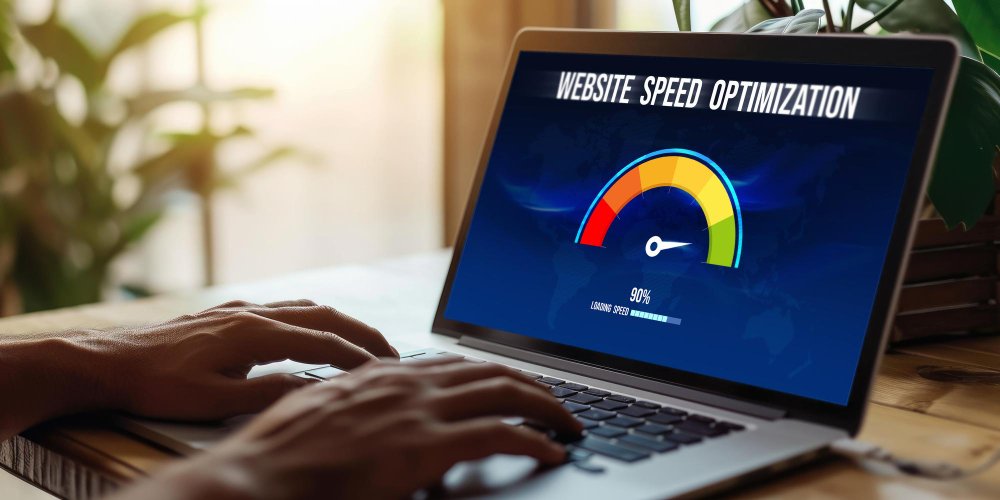
Optimize website images for speed Kenya businesses depend on to improve loading performance, SEO ranking and user satisfaction. Images are often the biggest cause of slow websites. When your visuals are not optimized, your pages load slowly, bounce rates increase and Google ranks your website lower.
Image optimization is one of the fastest ways to boost performance.
Why Image Optimization Matters
Optimized images improve:
- Page speed
- SEO performance
- Mobile experience
- User engagement
- Server efficiency
Fast loading images create a smoother browsing experience.
Compress Images Before Uploading
Large uncompressed images slow websites significantly. Use tools such as:
- TinyPNG
- JPEGmini
- Squoosh
- ImageOptim
Compression reduces file size without losing quality.
Choose the Right File Format
Use the best format based on your image type:
- JPEG for photos
- PNG for transparent images
- WebP for modern, smaller, high quality images
WebP helps reduce file size dramatically.
Resize Images to Proper Dimensions
Avoid uploading images larger than needed. Resize according to your layout:
- Hero images
- Thumbnails
- Blog images
- Product photos
Correct sizing improves clarity and speed.
Use Lazy Loading
Lazy loading loads images only when users scroll to them. This reduces initial page load time.
Most modern platforms support lazy loading automatically.
Remove Unused Images
Unused images pile up in your media library and slow down backups and server processes. Deleting them keeps your site clean.
Use a Content Delivery Network (CDN)
A CDN stores copies of your images across global servers. This improves speed for users in different locations.
CDNs reduce server load and increase reliability.
Optimise Thumbnails
Thumbnails appear across blogs, galleries and ecommerce sites. They must be:
- Compressed
- Properly sized
- Clean and clear
Optimised thumbnails significantly improve site performance.
Check Image Alt Text
Alt text helps Google understand images and improves SEO. Use descriptive text with relevant keywords.
Alt text also improves accessibility.
Avoid Overusing Decorative Images
Too many images create clutter and slow performance. Use visuals strategically for clarity and storytelling.
Use Background Images Sparingly
Background images slow loading speed if not compressed. Replace heavy backgrounds with:
- Solid colours
- Gradients
- Lightweight patterns
Minimal backgrounds improve speed.
Test Image Performance Regularly
Use tools such as:
- Google PageSpeed Insights
- GTmetrix
- Pingdom
These tools show which images slow your pages.
Automate Image Optimization
Plugins and tools help automate tasks:
- ShortPixel
- Smush
- Imagify
Automation ensures every new upload stays optimised.
How Africa Web Experts Helps Optimise Website Images
At Africa Web Experts, we optimise images for maximum speed, clarity and SEO performance. You can view fast loading websites on our Portfolio page and explore optimisation services on the Services page. For performance improvements, reach out through the Contact page.
Frequently Asked Questions
Why are images slowing my website?
Because they are too large or not optimised.
What is the best image format for speed?
WebP offers high quality at smaller file sizes.
Do optimised images improve SEO?
Yes. Faster pages rank higher.
Should I compress every image?
Yes. Compression reduces load time.
Can Africa Web Experts optimise my website images?
Yes. We provide full speed audits and optimisation.
Final Call to Action
Optimising your website images is one of the easiest ways to improve speed and user experience. If you want a faster, more SEO friendly website, Africa Web Experts is ready to help.
Reach out today and boost your website performance.